
Office downtime is the time your team cannot work normally during a move. For small and mid-sized offices, it often comes from unclear sequencing, late IT planning, missed access rules, or rushed unpacking. A good office move checklist reduces those gaps by separating the move into practical phases, so core work, employee updates, vendors, building access, and first-day setup stay connected.
Plan the move in phases, not one long scramble
An office move checklist to reduce downtime works best when the move has a clear sequence. Core work, IT needs, furniture, employee updates, building access, and first-day setup all affect one another. Treating them as one rush creates avoidable confusion.
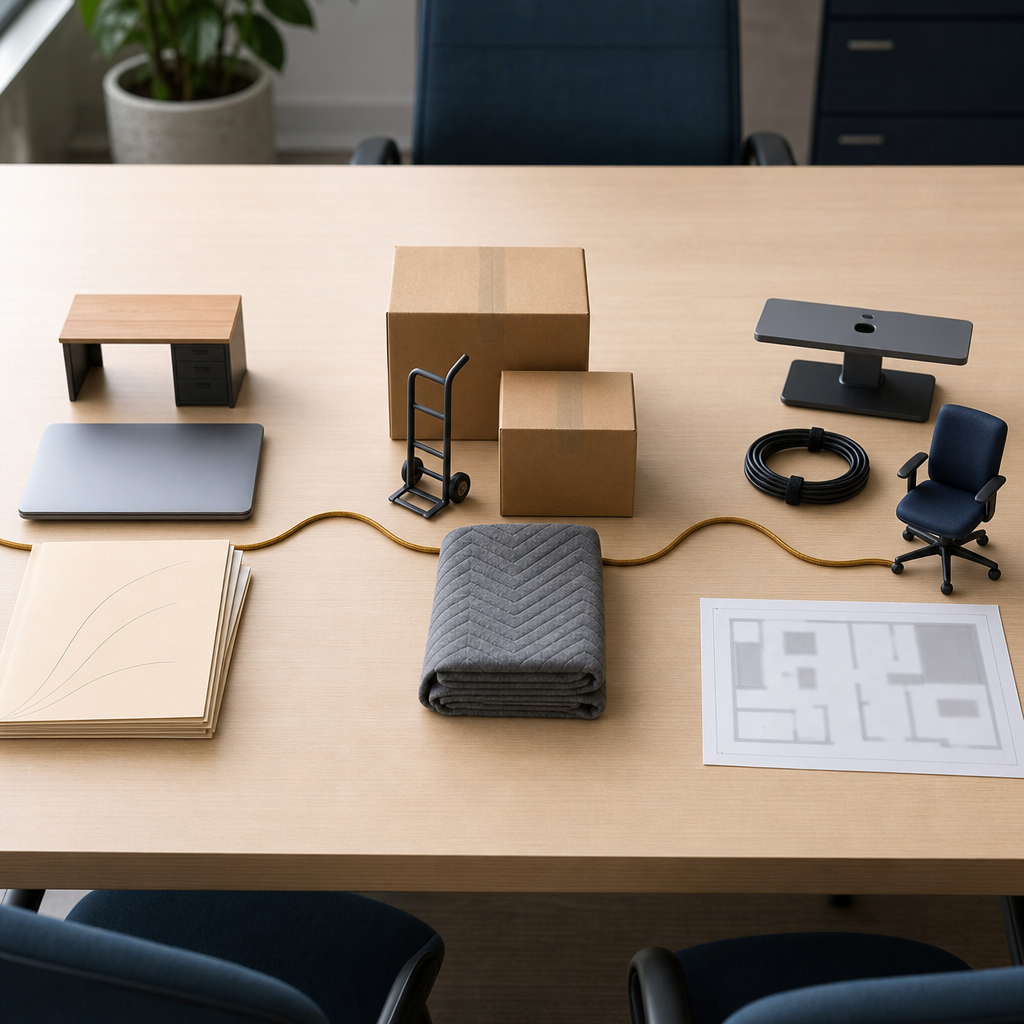
The first phase is about protecting essential work. Some items can be packed early, such as shared storage or nonessential furniture. Workstations tied to phones, monitors, or active client work may need to stay usable longer.
IT and vendor timing often create the most pressure. Internet service, network equipment, phones, printers, access systems, and outside providers can delay the whole move if their schedules sit outside the main plan. A phased timeline makes those dependencies visible before move day.
Employee communication also works better in stages. People need to know when to pack personal items, where equipment should go, and how shared resources will be handled. Clear updates reduce repeated questions and help managers spot confusion early.
Building access can shape the entire schedule. Elevator windows, loading areas, security procedures, parking limits, and after-hours rules affect what is realistic. When these limits are matched to each phase, the move has fewer bottlenecks when crews, equipment, and staff overlap.
The final phase is not just arrival. Desks, devices, shared areas, and basic communication tools need to support a usable workday. That is the value of phasing: downtime becomes easier to understand, limit, and recover from.
Confirm IT, access, and first-day setup early
The last stretch before an office move is where planning risk can become lost work time. Desks and boxes matter, but the first working day depends more on access, IT timing, vendor coordination, and clear ownership.
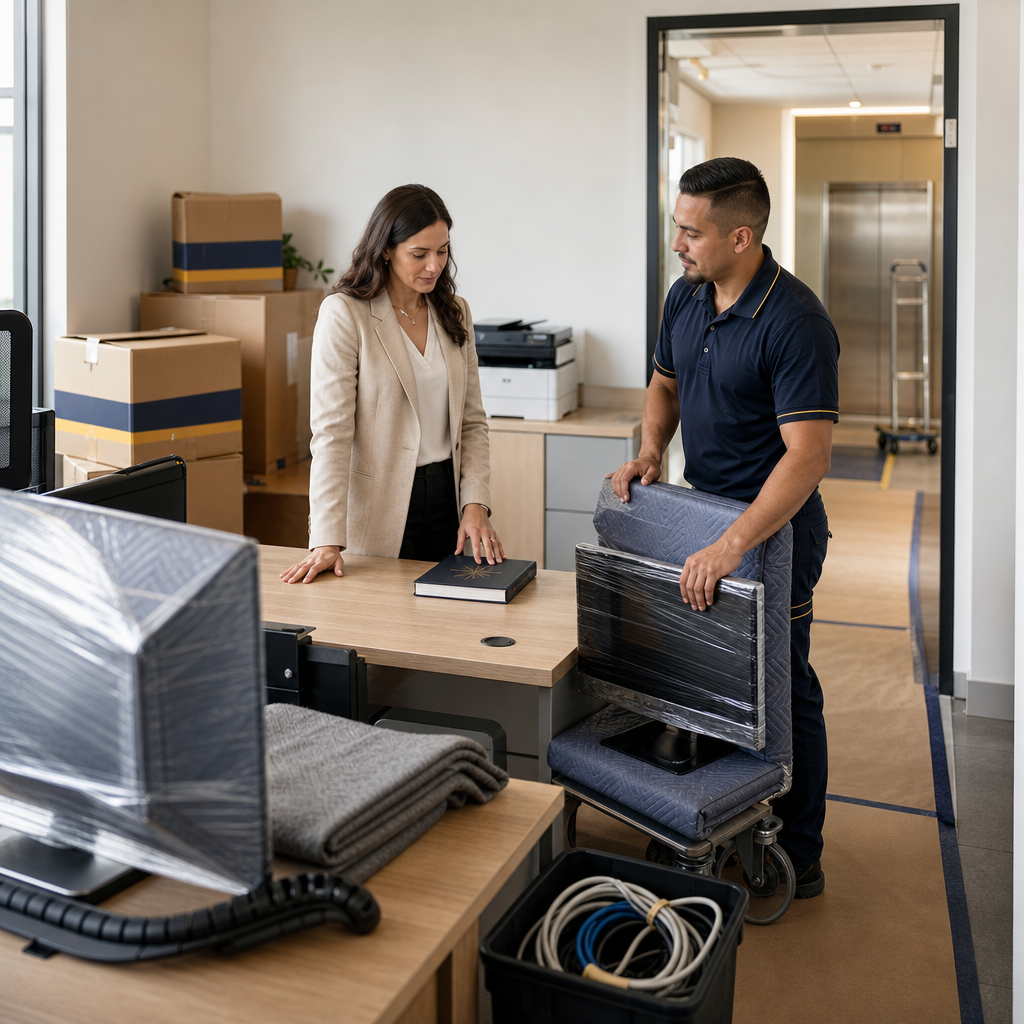
IT is usually the tightest dependency. Many teams cannot work if internet, phones, printers, shared drives, or key workstations are unavailable. This does not mean every device must be perfect before anyone arrives. It means the systems needed for core work need a clear priority.
That priority should be shared by the IT contact, moving crew, building contact, and any outside vendors. When everyone works from the same assumptions, one missing connection or approval is less likely to stall the morning.
Building access can create the same kind of bottleneck. Elevator windows, loading areas, suite access, floor protection, security procedures, and delivery rules all affect how quickly equipment reaches the right place. For smaller teams, a delay at the doorway can disrupt the day more than the physical move itself.
First-day setup also needs a narrower definition than “everything is unpacked.” A better question is whether the team can enter the space, find their work areas, connect to essential tools, and locate items needed for immediate work. Labels, floor plans, cable bins, and a clear equipment area reduce search time.
Employee updates close the gap between the plan and the first morning. People need to know which spaces are ready, where to report issues, and which systems may still be settling. Move-day readiness is not only about transport; it is about access, technology, and a minimum usable setup.
A lower-disruption office move depends on order, not luck. The strongest plans separate essential work from items that can move earlier or later. They also connect IT, vendors, access rules, employee updates, and first-day basics into one realistic sequence. Before requesting a quote, it can help to have the inventory, floor plan, access details, and downtime limits in one place.
Smart People Moving supports local office and corporate moves, including furniture, equipment, computer, and document relocation for business teams.
When your floor plan, inventory, access rules, and downtime limits are ready, you can request an office move quote and discuss a sequence that fits your team.